






MedDRA & SMQ Browser
for Desktop
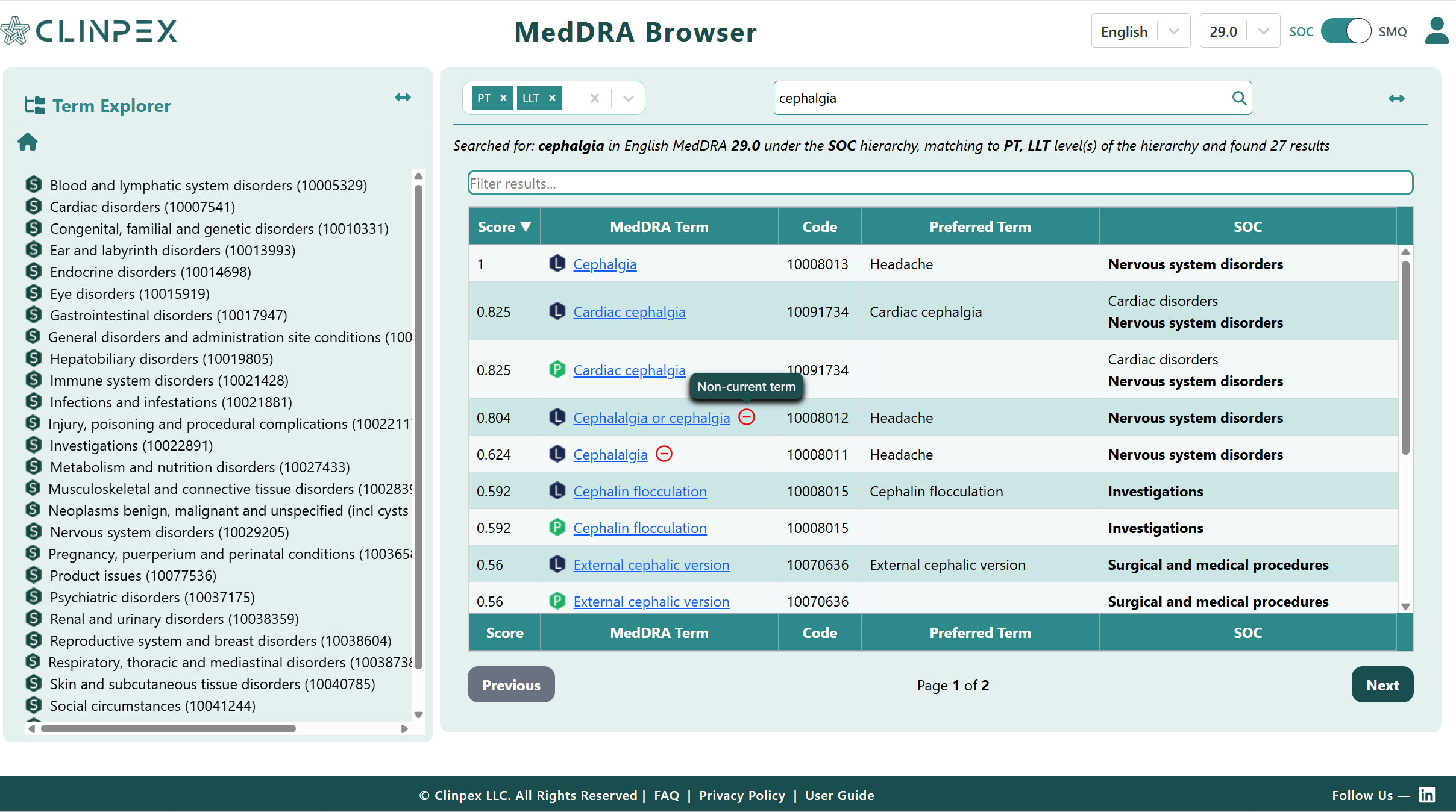
A full-featured MedDRA and SMQ reference that runs entirely in your browser—no download, no setup. Free for active MSSO license holders, accessible from any Chrome or Edge window.
- Browse the full MedDRA hierarchy: SOC → HLGT → HLT → PT → LLT
- Search terms by text or MedDRA code
- Explore SMQs with full details, notes, source, and member terms
- Guided walkthrough included on first launch
Everything You Need, Right in Your Browser
The same comprehensive MedDRA and SMQ reference available on mobile—now optimised for the larger screen and keyboard-driven workflows of the desktop.
Fast Term Search
Search MedDRA terms by PT text, LLT text, or code number with instant results.
Hierarchy Navigation
Traverse the full MedDRA hierarchy—SOC → HLGT → HLT → PT → LLT—with a single click.
Term Relationships
View all related terms across hierarchy levels and identify primary and secondary SOC paths.
Code Lookup
Look up any MedDRA code and immediately see where it sits in the classification structure.
Version Support
Access the latest and previous versions of MedDRA going back to 26.0.
SMQ Browser
Browse, search, and explore Standardised MedDRA Queries—including full details, source, notes, and member terms.
Full SMQ Support
Standardised MedDRA Queries (SMQs) are validated groupings of MedDRA terms used to retrieve potential cases of a medical condition of interest from safety databases. The browser puts the entire SMQ library at your fingertips.
Browse & Search SMQs
- Browse the complete list of available SMQs
- Search by SMQ name or code
- Differentiate terms by level (Broad / Narrow)
- Navigate parent and child SMQ relationships
Rich SMQ Detail View
- Description — purpose and intended use of the query
- Notes — guidance on scope, exclusions, and application
- Source — origin and authoring information
- Member terms — all PTs/LLTs included, with Broad/Narrow status
Click any member term within an SMQ to jump directly to its hierarchy and see which SMQs it belongs to, along with Status, Scope, Category and Weight.
Get Access in Minutes
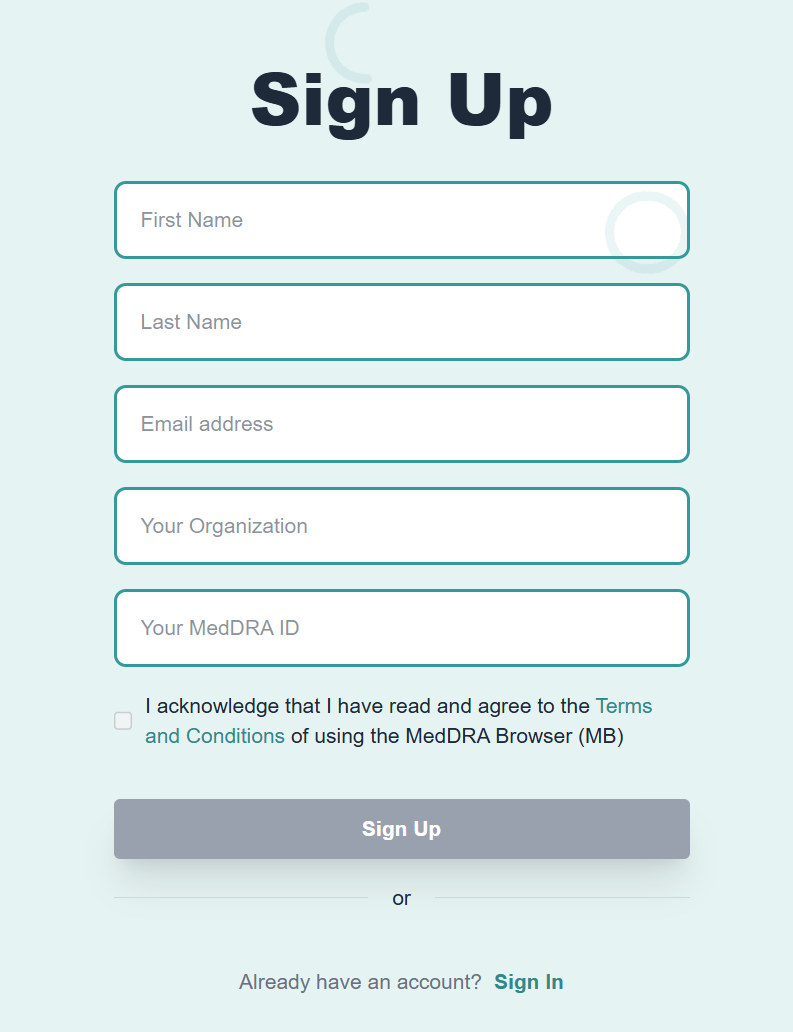
Access is controlled through a free Clinpex account. Your MSSO license is validated during account activation—no separate subscription required.
Guided walkthrough on first launch
A step-by-step overlay guides you through the interface the first time you sign in—covering hierarchy navigation, search, and SMQ browsing—so you can get productive immediately.
What the Walkthrough Covers
On your first sign-in, an interactive overlay guides you through the key areas of the browser so you can start working with MedDRA and SMQs straight away.
Sign In
Log in with your Clinpex account. Your MSSO license is already validated—just sign in and go.
Browse Interface Tour
A guided overlay walks you through the main navigation—hierarchy browser, search bar, and version selector.
Hierarchy & Search
Learn to navigate from SOC down to LLT, search by term text or code, and jump between related terms.
SMQ Explorer
Discover how to find SMQs, read their details, and navigate between member terms and the MedDRA hierarchy.
Ready to Browse?
No install. No plugin. Open it now in Chrome or Edge.
mdv.clinpex.com